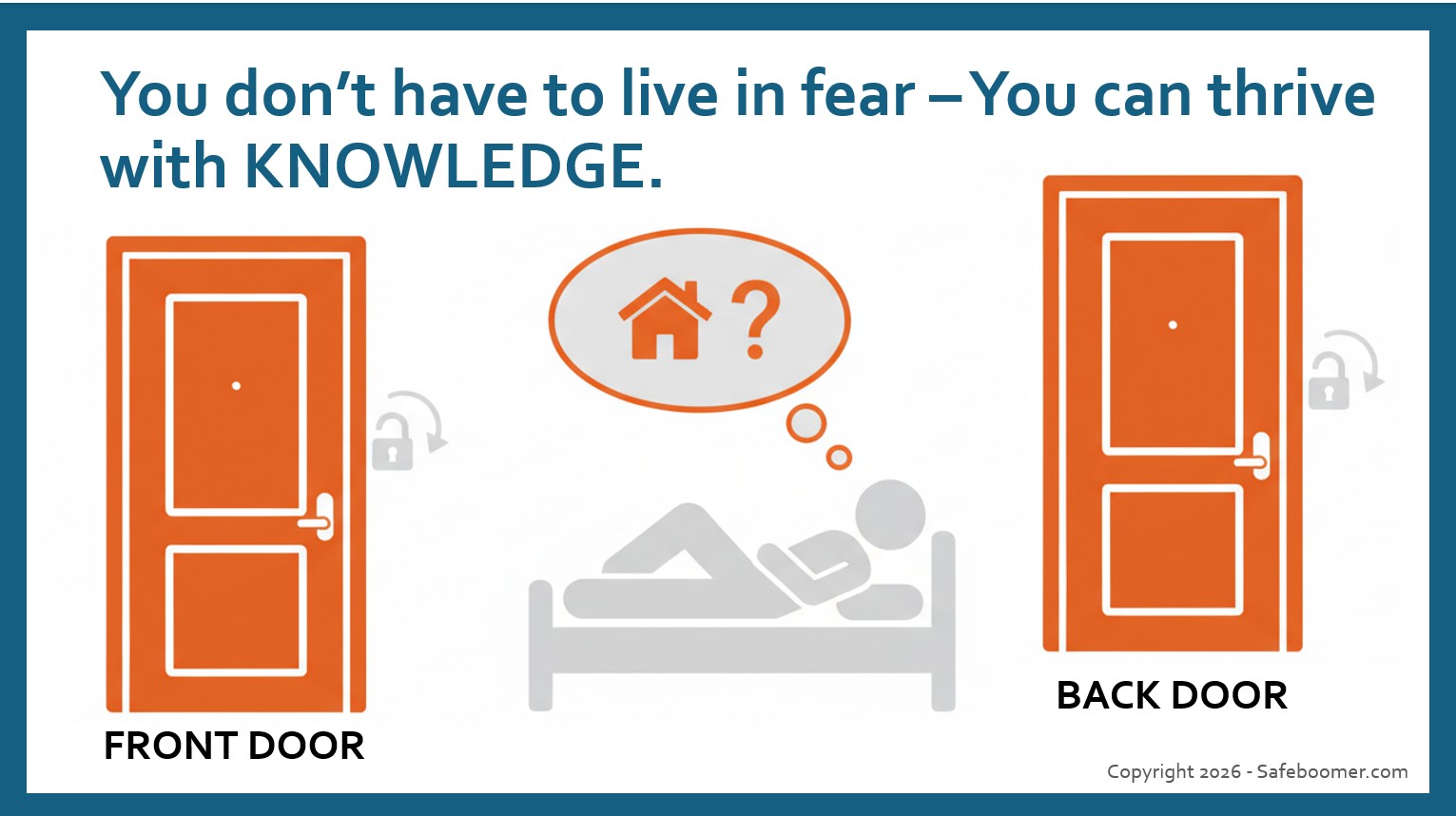
We lock our doors. Why not lock our Finances?
Imagine you are all comfy, laying in your cozy bed about to drift off to sleep. Then, a thought pops into your mind… “Did I lock my front door?” You lay there for a minute trying to remember if you did lock your door. Then, you are compelled to check. After grunting and moaning a moment, you grab your robe and slippers and slowly walk to the front door — and lock it. Then, you question whether or not you remembered to lock the back door, or the garage. So, you check those and walk back to your bed, feeling safe and secure!
That is what Safe Boomer suggests you do with your personal data. Lock it down. There are a variety of ways you can do this, so we are going to list some below that we present in our workshops. Yes, it takes a few extra steps, but it will keep you safer online, while staying connected. Just like your front and back doors, your devices are open to the outside world, including your shopping habits, your location, microphone, browsing history, etc., unless you make a few changes, take a couple of extra steps to lock down your devices and your financial information.

ARTICLE 1: PROTECTING FINANCIAL and SHOPPING DATA
- Sign up for an Encrypted Email service. No one told us that email services that don’t offer encrypted protection can easily be hacked (AOL, Yahoo, Charter, and even Gmail, etc.) But, they CAN and have been hacked in the past!
- It is easy to sign up for an encrypted Email service, especially to use for financial emails – credit cards, banks, investments, etc. There are several options available, but two that are the most popular – Proton Mail and Zoho Mail. They help to limit or eliminate spam, phishing scams, and hacking, since they offer end-to-end encryption.
- You may elect to keep your public email for general correspondence and just use the encrypted email for personal, financial, or medical, emails – the information you do not want to fall into a spammer’s hands.
- Freeze your Credit: Go to the top three Credit Bureaus, sign-up for an account with your encrypted email account and password. Equifax, Experian and TransUnion are the main bureaus in the US.
- It is very simple to start and stop a Credit Freeze. Just look for the button to Freeze your Credit! Doing so makes it impossible for someone else to open an account using your credit — They will be denied when opening a new credit card, buying an automobile, or other new credit account.
- However, you can continue to use the credit cards and other credit you have already established. And, if you decide to apply for a new credit card, or purchase a new car, or apply for a loan, it is also easy to Un-Freeze your credit.
- You just login with the information you provided during set-up and click button to UN-freeze Credit. You also have the option to automatically Re-Freeze your credit within a specific period: in 24-hours, one week, one month, etc., so you don’t need to remember to do so.
- Use a “Virtual Credit Card” for online shopping. Ask your bank or credit card company if they offer Virtual Credit Card numbers.
- This virtual card number is a “fake” number associated with your actual credit card, so your real card is NOT EXPOSED ONLINE.
- NEVER USE A DEBIT CARD unless you are dying! Seriously!!! Using a debit card at a gas station, a retail merchant, or especially online, opens you up to immediate financial fraud, since it is tied directly to your checking account (cash).
- If fraudsters use your debit card number to gain access to your bank account, they can wipe out all of your cash.
- We recommend not using your debit card for anything outside of the bank’s ATM machine for extra security.
- In fact, it is wise to not use any type of payment service that sends/receives money without some type of added security and protection.
- The apps that use your email or phone number as a way to send/receive money are NOT SAFE, there is NO STRONG SECURITY tied to your email or phone number. If you choose to use these types of money transfer services, do so with caution, and only to a close knit group of family or friends. In other words, we encourage you to not use any app or service that is tied directly to your checking account.
- Paying bills through your bank, tied to your checking account, is much safer than using an app that transfers money only using an email, cell number or other non-secure method. Avoiding this practice is just another layer of financial protection.
- There are also some settings you can change to block apps and your browsers from tracking your location, listening to your microphone, accessing your contacts and photo gallery, and other settings on our phones and computers. These settings are outlined in different articles posted on the SafeBoomer RESOURCES tab.
Again, Knowledge is Power! The more we know, the more we can be aware, and the better we can protect ourselves from our data being “shared” and sold to major data brokers who then sell our personal information to anyone with a dollar! Data Collection and Broker Services is another multi-billion dollar industry and often times they do this without our knowledge or consent!