
Staying Safe Online in a Wild Digital Age
SafeBoomer.com is a family-based Knowledge Center promoting secure lifestyles for digital connectivity.

I’m glad you’re here!
We understand it’s a real challenge to adapt in a rapidly changing, fast-paced digital world. Most Boomers, like us, want to keep connected to our kids and grandkids, friends and family, but do not really understand the technology allowing us to do this, and what is going on in the background.
For one, SafeBoomer is passionate about showing you how your personally identifiable information (PII) and general search and browsing data is being shared (and purchased) and how you can reduce or eliminate this practice by making just a few changes to your computer and phone. You can easily avoid being the next victim of fraud or forced advertising! Join a Workshop!
Did someone say FREE HELP?
Join our Hands-on Workshops Subscribe to our Email Newsletter to get important safety tips directly into your inbox.
JOIN US: IN-PERSON WORKSHOP
REGISTER
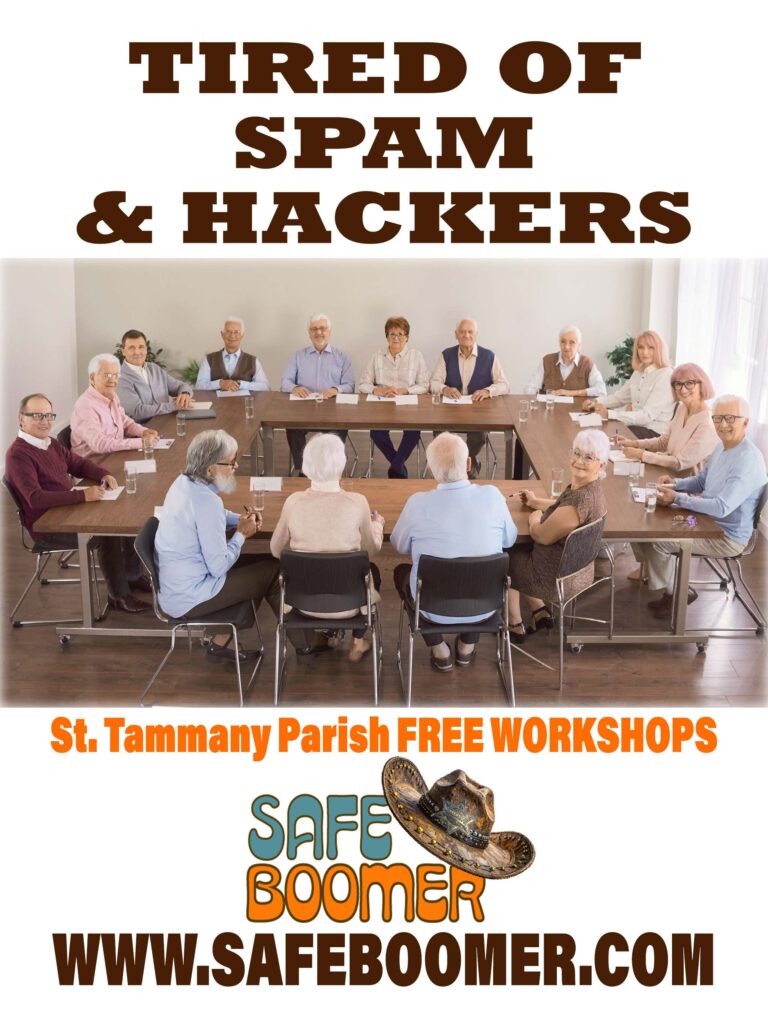
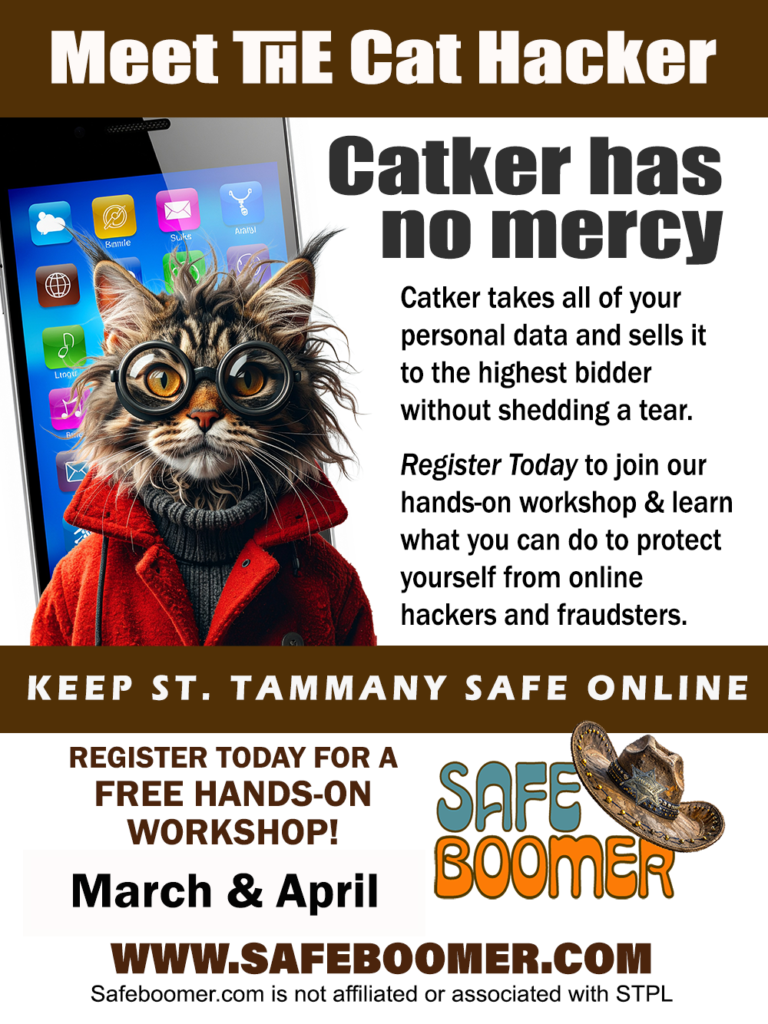
Register for one of the St. Tammany Parish HANDS-ON WORKSHOPS held at branch locations of St. Tammany Public Libraries. Open to the public with registration. Space is limited so register early!
1. Sign-up with the registration form.
2. Bring your portable cellphone, iPad or laptop to the training session. (Not a desktop computer or server)
3. Learn the steps to keep your data safe and protect yourself while browsing online and checking email.
4. You will learn how to adjust your settings to minimize exposure to fraud and hackers.
Register today, since space is limited.
Upcoming April and May 2026 workshops are posted on the Workshops page. We will resume our free workshops at local libraries after the summer reading programs. Sign-up to get notifications of our upcoming workshops first! Subscribe to receive our monthly emailed newsletter to get current tips and information!
No need to Live in a Bubble.
Our workshops and guidelines are not scare tactics, they are Safe Tactics, since Knowledge is Power.
SafeBoomer’s goal: Share knowledge to keep you and your family more secure, while remaining connected online.
Unfortunately, not all technical companies have your best interest in mind. Not all digital information is factual and true. You find online articles, videos, comments, and other digital media can be a mixed bag, containing both facts and fiction, making it difficult to decipher. Learning how to be more discerning is the key to keeping you and your families safe and there are steps you can take to make your emails more private.

Here are a few of our easy tips.

Don’t Fall for Scams.
If you get an email/text asking to send or donate money for ANY reason, don’t believe it’s always for a good cause. Check it out first.

Check Before You Act.
If it is too good to be true, it is probably a scam! Make sure not to fall for email or video promotions, without first checking the facts.

Safety Tips With Family?
Learn WHAT is safe to share online and what is not. Keep your family secure, by limiting details while sharing the fun with your circle!






Guides and Tips to Explore the “Red Flags” You Need to Understand. KNOW YOUR RIGHTS!
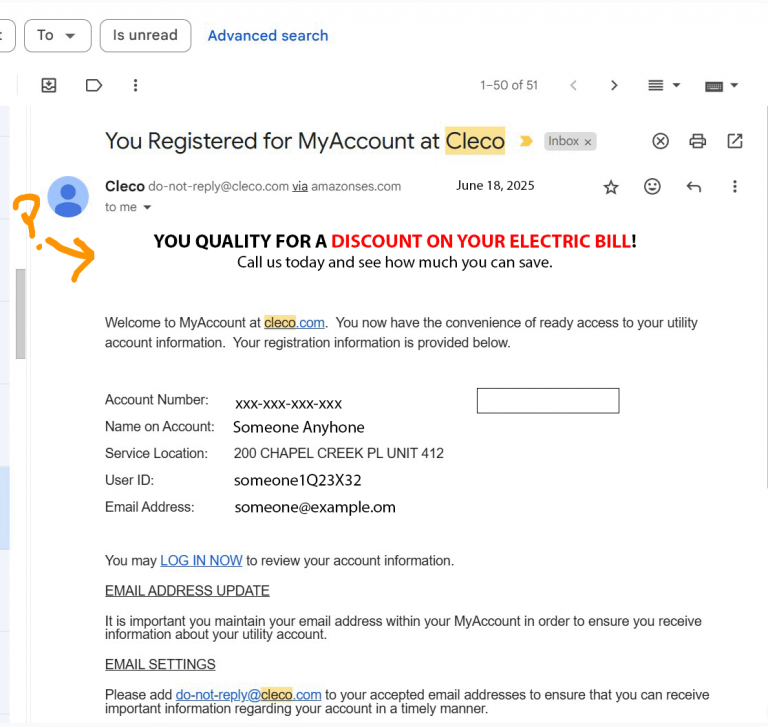
- Never answer an email from someone you do not know, or that looks suspicious. Learn the “red flags” so you can determine if an email is “real” and from the intended sender, or if it is malicious.
- Check the header of all emails from your financial institution or other businesses and services to which you currently are subscribed.
- Learn how to disable some settings on your devices to keep your data safer from outside sources. Just a few changes will help.
- Do not download Apps unless you read the entire Privacy Policy, so you know what information you are agreeing to share. It will save you pain!
- Never agree to sign a digital pen pad without reading the entire document(s) to which you are legally bound after you sign.

Find safe tools, fun people & share great places!
COMMING SOON!