What is Quick Share Agent / Quick Scan / Quick Share QR?
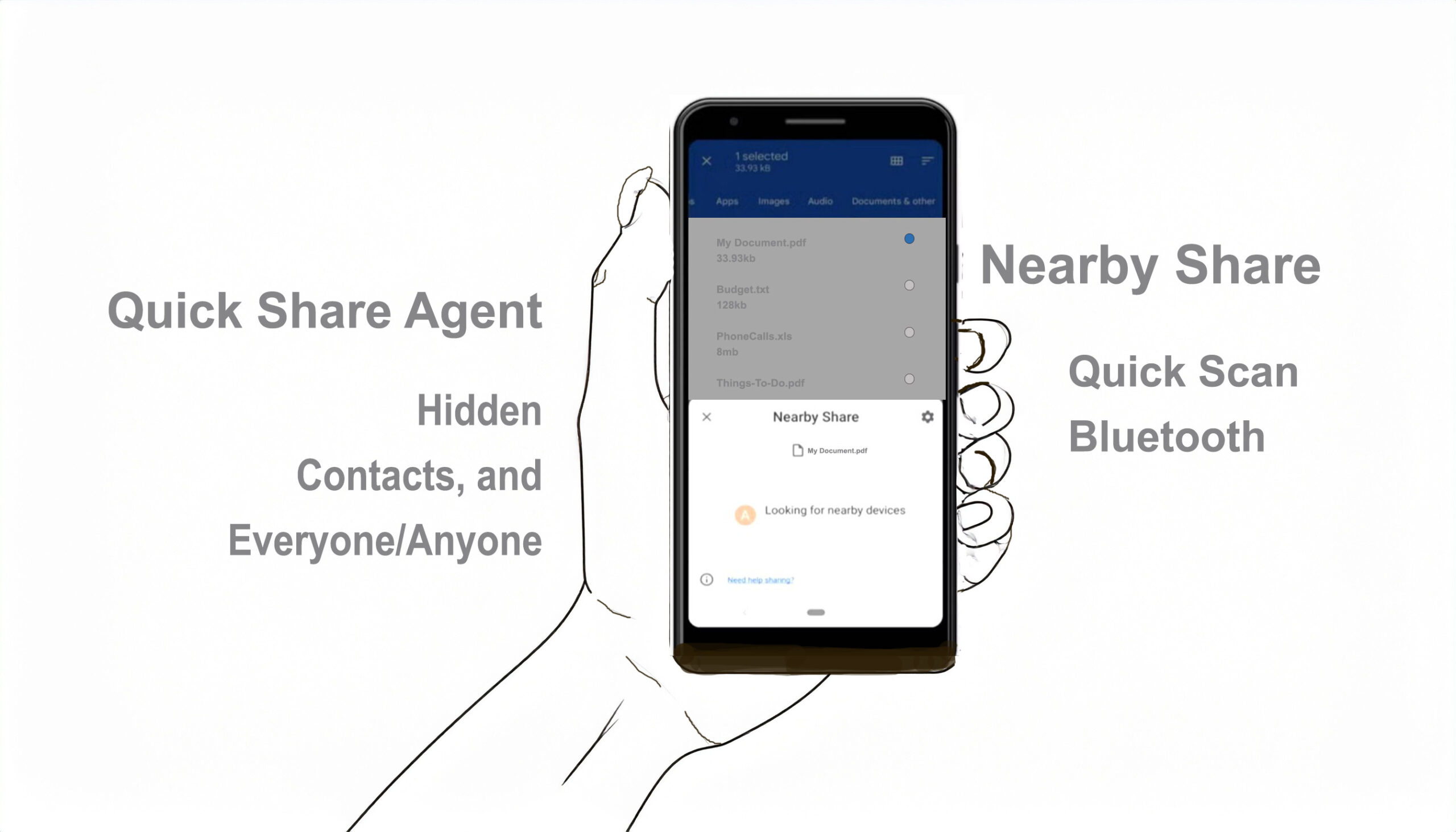
Quick Share Agent is the underlying system service for Android’s file-sharing feature (formerly “Nearby Share”), allowing you to instantly send photos, videos, or documents to nearby devices via Bluetooth and Wi-Fi.
NOTE: For a Galaxy device with Android 10 & One UI 2.1 or later, the settings and features can be different. Learn about Quick Share on Galaxy devices. Quick Share is available on Android 6+ devices, Chromebooks, and on select Windows PCs through our Quick Share for Windows App.
Quick Scan (or Quick Share QR codes) is a secure, rapid sharing method that creates a QR code on your phone, which another user scans to receive files immediately.
Quick Share Agent (System Service)
Function: It is the background “agent” that handles the discovery of nearby devices, negotiates the connection, and facilitates the transfer, similar to Apple’s AirDrop.
Technology: It utilizes Bluetooth for initial discovery and direct Wi-Fi for fast data transfer.
Compatibility: Works on Android 6+, Chromebooks, and Windows PCs via the Quick Share for Windows app.
Quick Scan / QR Code Sharing
How it works: Instead of manually finding a user’s name in the “nearby” list, you can select “Use QR code” in the Quick Share menu. The recipient scans this code to instantly initiate the transfer.
Benefit: Ideal for sharing with people not in your contacts or when sharing to multiple people quickly, providing a secure and fast connection.
How to Use
> Select a file > tap Share > Quick Share.
> Select Use QR code (or just scan if another person’s device appears).
> Have the recipient scan the QR code to receive the file.
Note: Quick Share works best for transferring photos, documents, and videos directly to nearby devices, ensuring files don’t need to be emailed. (www.android.com)
Find Quick Share on your Android device:
- From the Share menu
- Open the content that you want to share.
- Tap Share and then Quick Share .
Quick Share VS Nearby Share
If using Samsung’s Quick Share, users can share up to 1GB of files at a time. However, the file transfer limit is capped at 2GB per day. That’s enough to share a couple of hundred photos with another user. Note that if sharing files with multiple users, that 2GB transfer cap will be distributed among all the recipients.
As for Nearby Share, Google allows users to share up to 500 files at once. If a user exceeds the maximum file limit, they’ll be notified and will need to transfer those files separately. By using Quick Share or Nearby Share, users can easily send photos and videos to friends, without having to upload them separately.
Quick Share and Nearby Share work very similarly. They both use Bluetooth to find nearby devices and users may choose between three device visibility options —
- Hidden
- Contacts, and
- Everyone/Anyone.
With Quick Share or Nearby Share, users can share photos, videos, files, and links with other devices. However, one advantage of Samsung’s Quick Share is that it allows users to share a file or multiple files with up to five contacts simultaneously, while Nearby Share is limited to just one contact at a time.