How our Data is Collected?

When we….
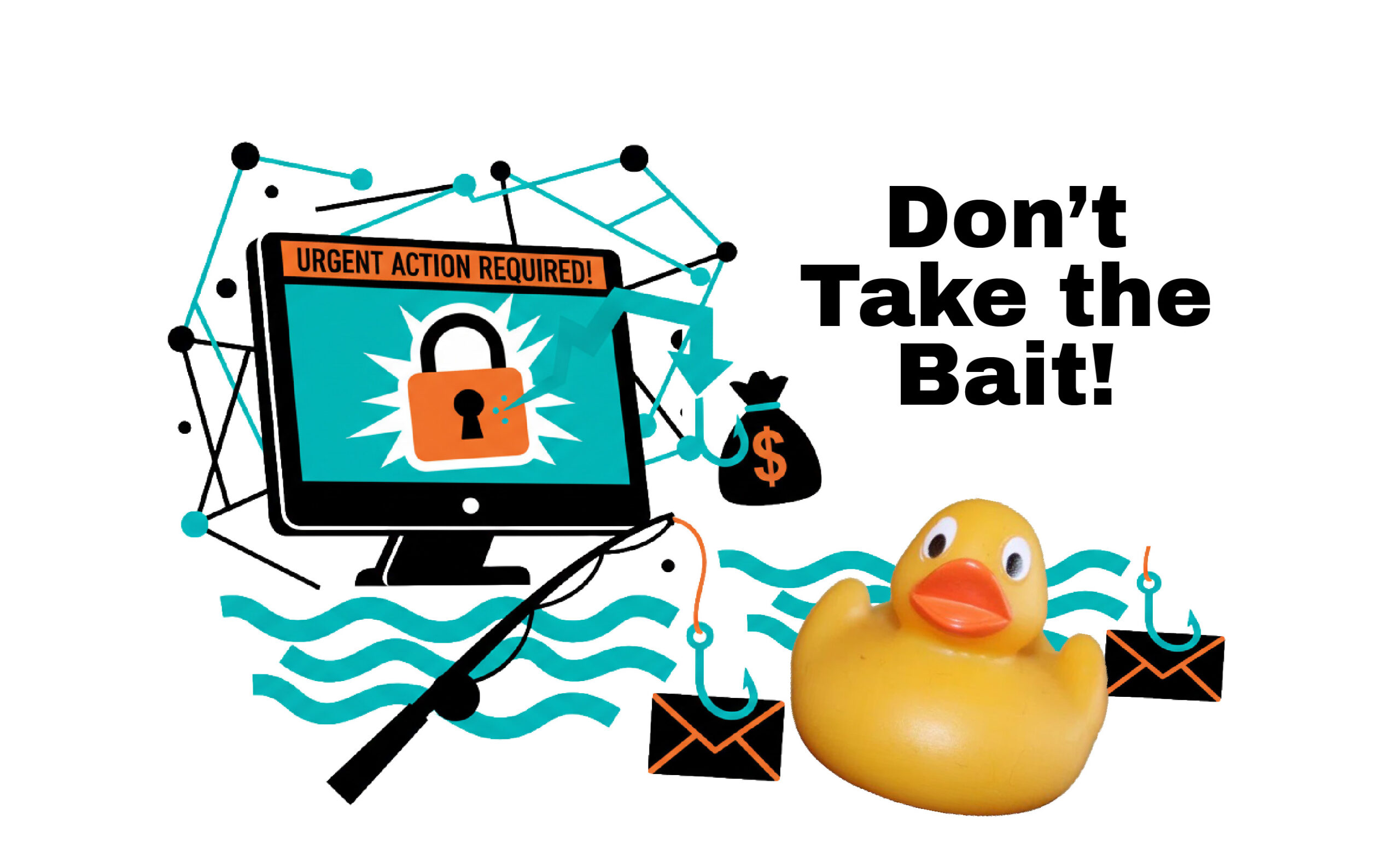
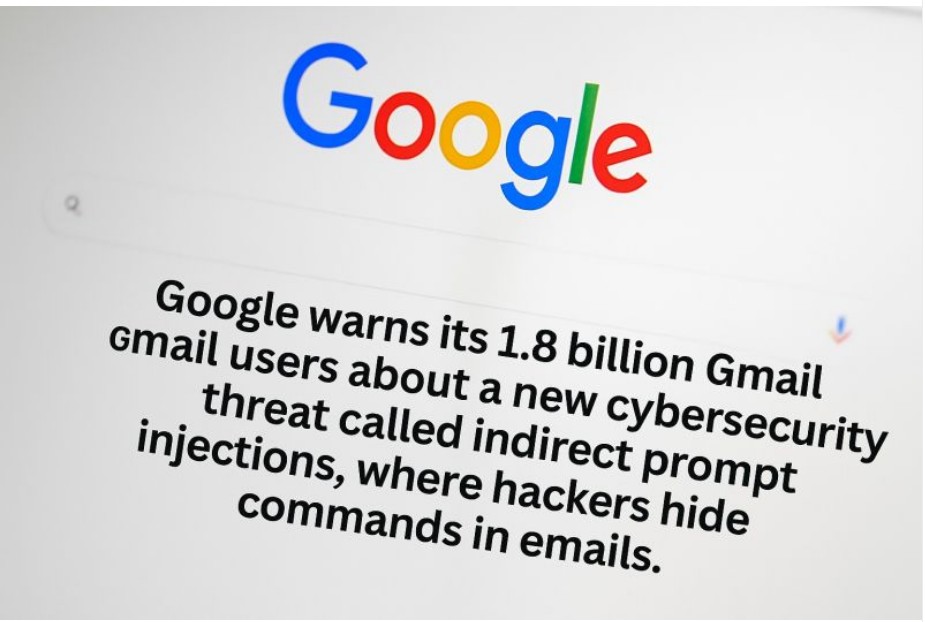
- Click on bad email links and pop-ups – Be Careful not to click unless you are Sure
- Click Fraudulent Text Message Links – Be Aware! It is impossible to know who is sending it!
- Search/Visit web sites – See notes on Cookies
- Shop Online – See Types of Cookies
- Use Unsecure Public Wi-Fi – No public Wi-Fi is safe! It is not wise to bank or visit credit card accounts, financial accounts, private information, etc., on a public wi-fi
- Give out personal info over the phone – If it is a company you know, ask them if you can call back in a little while, look up the company’s real phone number and call directly.
- Download unsecure phone apps – Use the Apple Store or Google Store for reviewed Apps, and check their Permissions Access, like we do in the Workshops.
- Make our location constantly available when not using – Not safe, unless using the map or other app that need to access your Location (Setting: “While using the App” or “Ask Every Time”) if you allow Location access.
- Allow Phones and Browsers to collect our activity and personal information – Check your Permissions / Privacy & Security.
- Allow microphone & camera access to apps – especially those that don’t need access – Check your Permissions / Privacy & Security.
- If you do not Turn off “Tracking” on devices, You Give Permission to Track You.
- If You fall for AI Deep Fakes – by clicking links, or following directions that lead you to fake sites, or other fraudulent actions.
- Be careful “over-sharing” on Social Media – so your details are not used to scam you, or other criminal activity.